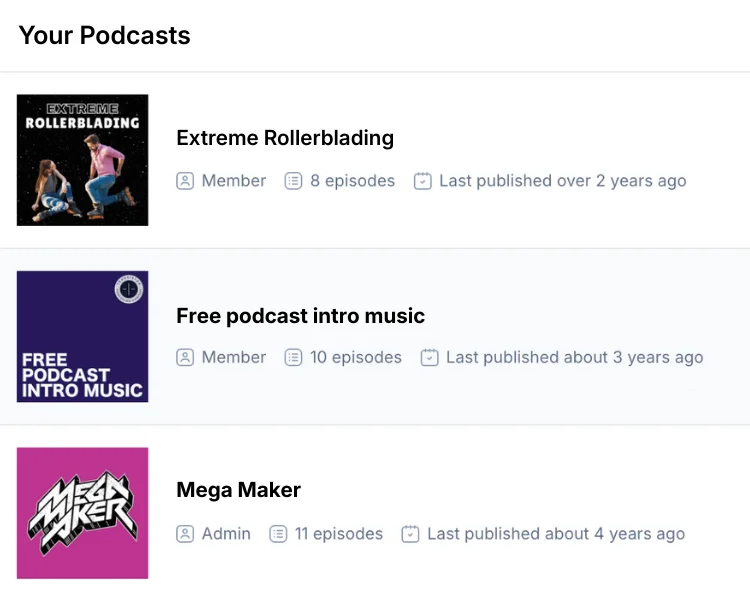
Create multiple podcasts
Easily create all of your podcasts in your new Transistor account (or import them from another host).

Create & manage as many podcasts as you want from one account, for one monthly price.
Transistor is hands-down the best podcast hosting! You can host multiple podcasts easily, and get great help/support getting your podcast syndicated on all the major platforms (Apple, Spotify, YouTube, etc). Creating unlimited podcasts is great. Highly recommended!

Transistor makes it quick and painless to launch & manage multiple podcasts from one account.
Easily create all of your podcasts in your new Transistor account (or import them from another host).
All of your shows will be distributed to Apple Podcasts, Spotify, etc.
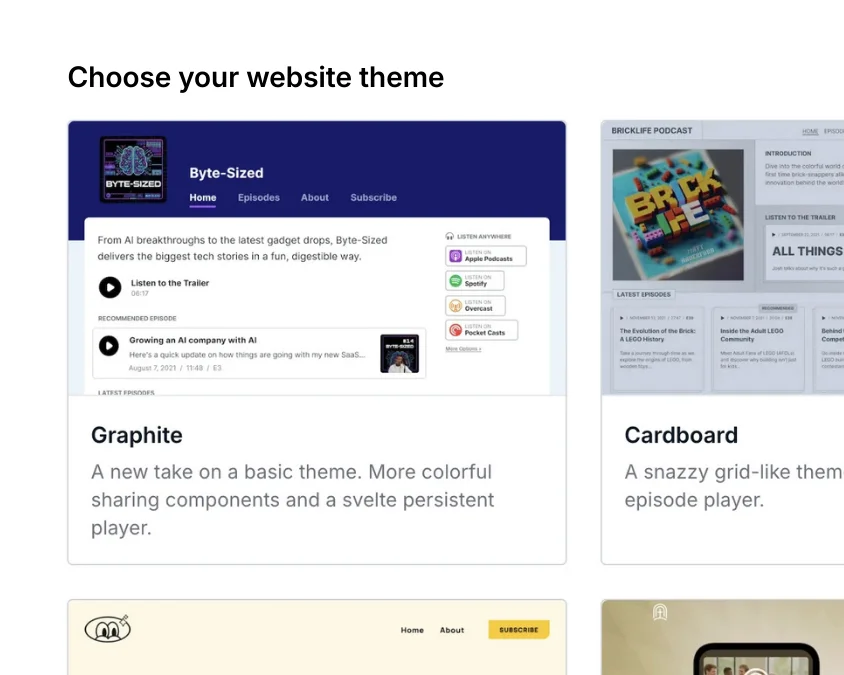
Each of your shows will get their own customizable podcast website.
Most hosts charge more as you add shows. Every Transistor plan includes unlimited podcasts.
| Podcast host | Five podcasts | Ten podcasts | Details |
|---|---|---|---|
| Transistor.fmUnlimited podcasts on every plan | $19/month | $19/month | Pricing |
| BuzzsproutMulti-Podcast plan | $36/month | $78/month | Compare |
| Libsyn$8 for each podcast | $40/month | $80/month | Compare |
| Simplecast$15 for each podcast | $75/month | $150/month | Compare |
| PodbeanNetwork plan | $99/month | $99/month | Compare |
Billed monthly. Prices checked .
Transistor.fm is the best podcast hosting platform I've tried. … it allows creating multiple podcasts within the same plan so I can quickly try new ideas (podcasts) and if they don't work out, I can shut them down without having to pay for another plan.

Every podcast has its own analytics, so you can see how each show is performing.
Invite different people to each podcast. They can add episodes, upload audio, and view stats for that show.
Publish video episodes to YouTube, Spotify, and Apple Podcasts from any show.
Make any show a members-only podcast for your company or online community.
Feature all of your shows in one place with a website for your podcast network.
With Transistor, you have the flexibility to host an unlimited number of podcasts using a single account. Regardless of your subscription plan, you can create and manage multiple podcasts.
There are no restrictions on the number of episodes you can have within each podcast. Each podcast you create on Transistor gets its own RSS feed, podcast website, and analytics page. Enjoy the freedom to explore and produce as many podcasts as you desire!
Yes. Paste each podcast's RSS feed into our import tool and verify that you own the show. We'll copy over your audio files, artwork, and show notes.
Then redirect your old RSS feed to your new one, so your followers on Apple Podcasts, Spotify, and other apps keep getting new episodes. You can import as many podcasts as you'd like, at no extra cost. Read our guide to switching podcast hosts.
Founded in 2018 by Jon Buda and Justin Jackson, Transistor has grown to be a highly-rated podcast hosting platform.
We serve over 40,000 podcasts, including shows from Acquired, Ali Abdaal, and NHL hockey teams.
Most people switch to Transistor for these reasons:
Unlimited podcasts for one price (we don't charge you for creating additional shows on your account)
Video podcasting on every plan
Better customer support (24/7 live chat)
Transistor gives you everything you need to get your podcast on Spotify, Apple Podcasts, YouTube, and other podcast apps:
Start as many podcasts as you'd like
Easily distribute to Spotify, Apple Podcasts, etc
Global CDN for your audio and video files
Integrations with Mailchimp, Kit, HubSpot, Zapier, and more.
Every podcast needs:
A web server to host MP3 files,
A way to create new episodes, and add show notes,
A way to publish new episodes, and update the podcast's RSS feed,
And a way to generate a valid RSS feed.
Podcast apps like Apple Podcasts and Pocket Casts are podcast players but they're not hosting platforms. When you click "download" or "subscribe" in these apps, the request gets sent to whichever host your favorite podcast is using (like Transistor.fm). The podcast player will then download the MP3 file from that server.