Riverside vs Transistor.fm for podcast hosting
Riverside was traditionally a remote podcast recording tool, but over the last few years, they've added editing and podcast hosting too. So a lot of folks are now comparing Riverside's hosting to Transistor.
Here's a review of each.
What Riverside is great at
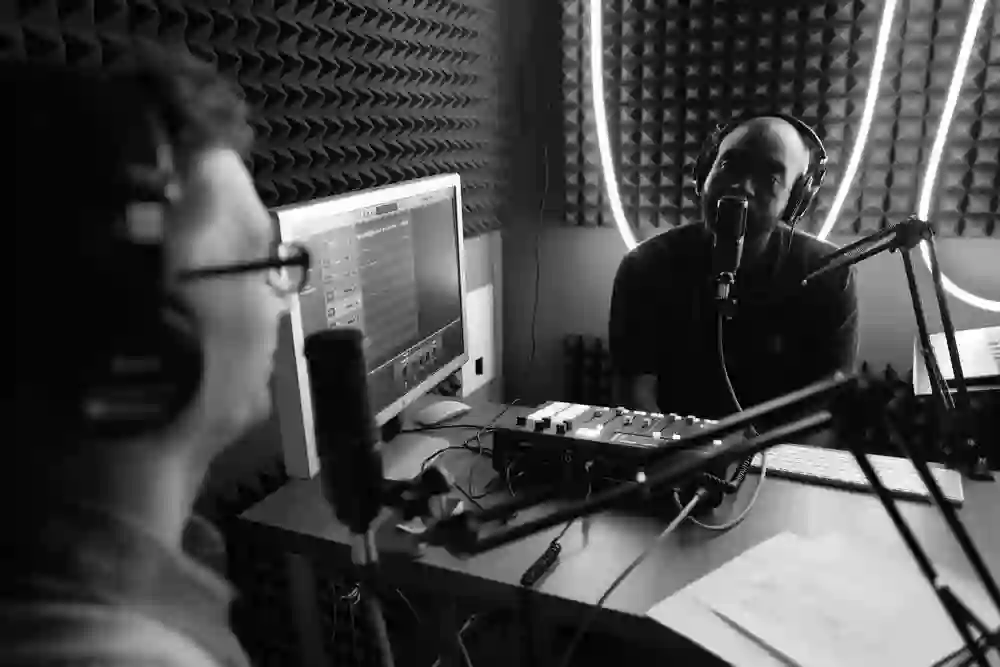
Riverside is awesome at recording remote podcast guests. It's similar to Zoom, but when you hop on a call with a guest, it records each person's audio and video locally.
When you're doing remote recording over the internet, there are lots of things that can go wrong. Riverside is the most stable recording platform I've used, and consistently has the fewest bugs and messups. It's where I personally record my podcast (which has 3-4 people on at a time).
We also use Riverside to livestream to YouTube while we record, which allows us to connect with our audience in the chat during the show.
They've also built an editing tool that looks similar to Descript.

Personally, I prefer Descript's editing tools. I find Riverside's quite cumbersome, especially selecting sections of the transcript to remove.
More recently, Riverside added basic podcast hosting, a bare-bones website, and distribution to the major apps. So Riverside can now take you from "hit record" all the way to "it's live."
Which raises a fair question: if Riverside can host your show too, why bother with Transistor?
Transistor is better for hosting
Host as many shows as you want. Every Transistor plan lets you publish unlimited podcasts and unlimited episodes for one flat price. Start as many podcasts as you'd like! By comparison, Riverside's $29/month plan restricts you to one podcast.
Unlimited team access. On Transistor, you can add multiple users to each show you create, at no extra cost. On Riverside, you have to purchase a separate Editor seat add-on to invite a post-production editor. This is billed separately as an extra monthly fee on top of your $29 plan.
A better RSS feed. RSS is foundational to how podcasts work. Transistor ensures that every RSS feed we generate for podcasts is modern and up to date. Riverside doesn't currently support modern Podcasting 2.0 features like HLS video, host and guest credits, or podcast recommendations.
More 1-click submission to directories. Transistor makes it easy to submit your podcast to Apple Podcasts, Spotify, YouTube, Pocket Casts, Amazon Music, and more with just one click.

Analytics built for podcasters. Riverside describes its own analytics as simple. At Transistor, you get detailed numbers on downloads, listening apps, and geography, with trends over time.
A website you own. Every show gets a customizable website, with multiple designs to choose from. You can also connect your custom domain, add a page for your episode transcripts, and share your "subscribe and listen" page.
And more! Transistor also has other features that Riverside doesn't: private podcasts, dynamic ad insertion, and an excellent developer API.
What most podcasters use
For many podcasters, the best setup isn't Riverside or Transistor. It's both.
Like me, they might record in Riverside, edit in Descript, and then host and distribute in Transistor. You get Riverside's recording quality and Transistor's focused hosting (plus, excellent customer support).
Plus, if you use Riverside for recording and editing, you can export it directly to Transistor through our integration.